TradingView Chart Time Looks Wrong? Check the Timestamp Before the Feed
TickDB Research ·
If the time on your TradingView chart disagrees with a Pine label or an API candle, first check whether both values describe the same bar boundary at the same instant. When the Unix timestamps match but the displayed strings do not, the discrepancy is display formatting. When the timestamps differ, changing the chart timezone won't reconcile them.
Start with one completed intraday bar
Use a standard time-based chart and make the symbol (including the venue), interval, and regular versus extended session match your export. Pick a completed bar so its closing boundary is known. Record both the opening and closing timestamps rather than comparing a chart label to a provider field named only time.
TradingView's chart timezone formats the axis. Pine's calendar variables normally use the exchange timezone, available as syminfo.timezone. Pine cannot read the user's chart timezone as a script setting. Pine's time and time_close variables give the bar's opening and closing Unix timestamps in milliseconds. Those numbers represent instants; changing how the chart displays them doesn't move the bar.
Print one opening timestamp in two zones
Add this Pine v6 diagnostic to a standard intraday chart. It uses the last confirmed historical bar so you can compare a completed interval. To compare with your axis, set the input to the same IANA timezone you chose on the chart. That input is independent of the chart's timezone selector.
//@version=6
indicator("Bar timestamp check", overlay = true)
string compareZone = input.string("America/New_York", "Comparison timezone")
string fmt = "yyyy-MM-dd HH:mm:ss"
if barstate.islastconfirmedhistory
    string utcOpen = str.format_time(time, fmt, "UTC")
    string exchangeOpen = str.format_time(time, fmt, syminfo.timezone)
    string localOpen = str.format_time(time, fmt, compareZone)
    string utcClose = na(time_close) ? "unknown" : str.format_time(time_close, fmt, "UTC")
    string report = "Open epoch ms: " + str.tostring(time) +
      "\nOpen UTC: " + utcOpen +
      "\nOpen " + syminfo.timezone + ": " + exchangeOpen +
      "\nOpen " + compareZone + ": " + localOpen +
      "\nClose UTC: " + utcClose
    label.new(bar_index, high, report)
As a synthetic check, 2026-11-16 14:30 UTC is 09:30 in New York and 22:30 in Hong Kong. The three clock readings differ, but the underlying opening timestamp is the same: 1794839400000 milliseconds. Compare normalized timestamps before comparing any date strings.
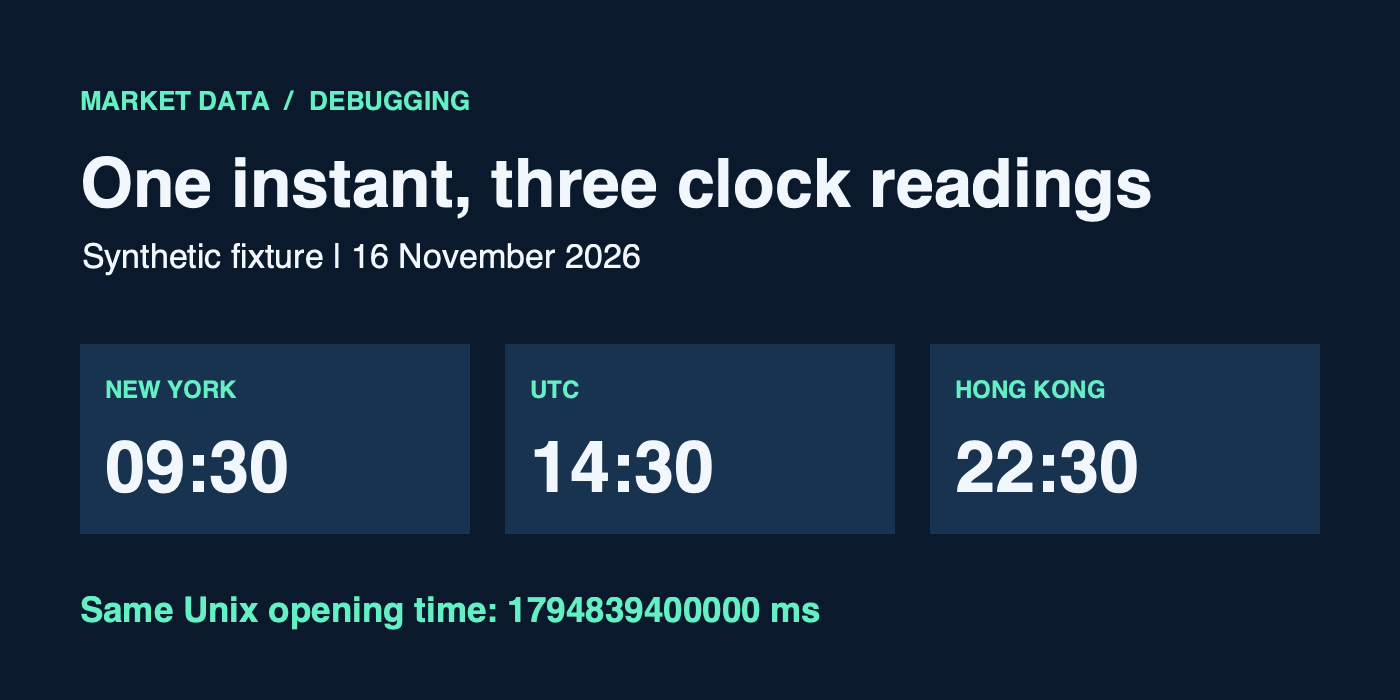
One timestamp, three clock readings; synthetic example.
Decide what the mismatch means
| Observation | Check next |
|---|---|
| Same epoch, different readable time | Display timezone or format. Use a named timezone so daylight-saving changes don't require a fixed offset. |
| Export has ten digits and Pine has thirteen | Read the export schema. A present-day Unix timestamp in seconds becomes milliseconds by multiplying by 1,000, but never guess the unit for production from length alone. |
| Difference is one interval | Compare opening versus closing semantics first. If those agree, check how the provider builds the interval and whether a session boundary shortened it. |
| First or last bars do not line up | Compare venue, session settings, interval construction and provider coverage. Missing or differently aggregated data is possible but not established by a timestamp mismatch alone. |
| Calendar date changes after conversion | Compare instants separately from the exchange's trading-day label. An overnight session can start on the previous local date. |
For overnight sessions, time_tradingday can help identify the trading-day date on applicable chart timeframes. It is not the bar's opening timestamp. The TradingView Pine FAQ gives an example where an overnight bar opens on the previous calendar day; it also explains why daily chart labels can use a trading date rather than simply displaying the open instant. Don't apply this intraday diagnostic unchanged to daily labels or assume an active non-time-based bar has a known closing time.
If you're comparing a TickDB export with a Pine value, apply the same check as for any provider: capture the venue, session, timestamp unit and boundary semantics from that specific endpoint before concluding anything from the axis. The useful artifact for a bug report is one reproducible bar with its UTC opening and closing instants and the expected session, not a screenshot of two clocks.